
Ask the question. Your subject is already set.
The tutor already knows the qualification and subject you opened, so you can get straight to the question.
Ask your first question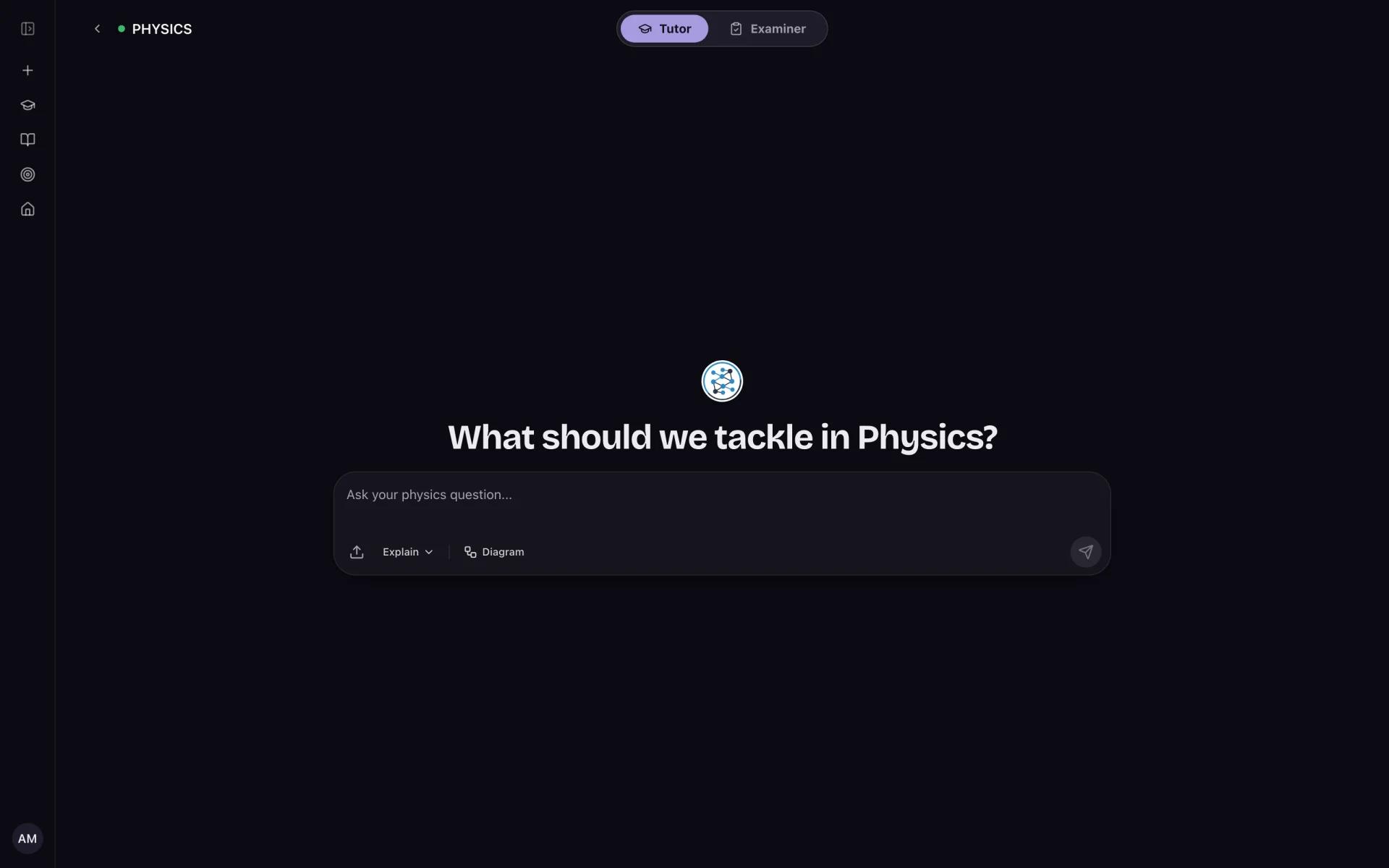
Ask the follow-up you actually have, then turn the explanation into practice.
What you get
- Subject context
- Step-by-step explanations
- Formatted equations
- Follow-up questions
- Files and images on eligible plans
How it works
- 01
Open your subject
NeuraGeek uses that subject as the starting point.
- 02
Ask the question
Type it normally. Eligible plans can also attach a file or image.
- 03
Try it yourself
Follow the explanation with a quiz, paper or written attempt.
Worth knowing before you use it
- AI can make factual or reasoning mistakes.
- Use the current official syllabus to confirm what you need to study.
- Use the tutor to learn. Do not submit generated work as your own.
The short answers
How is this different from a general chatbot?+
It starts inside your selected qualification and subject, and sits next to the practice and review tools you use afterwards.
Can I ask about a past-paper question?+
Inside supported paper and practice workflows, the AI can help with the question currently being reviewed.
Is NeuraGeek affiliated with Cambridge?+
No. NeuraGeek is an independent study platform and is not affiliated with or endorsed by Cambridge International.
Ready to try it with your subject?
Open your qualification and subject, then try the workflow with one real revision task.